
Radio · Home lab · 2025
The water meter was broadcasting. So I listened.
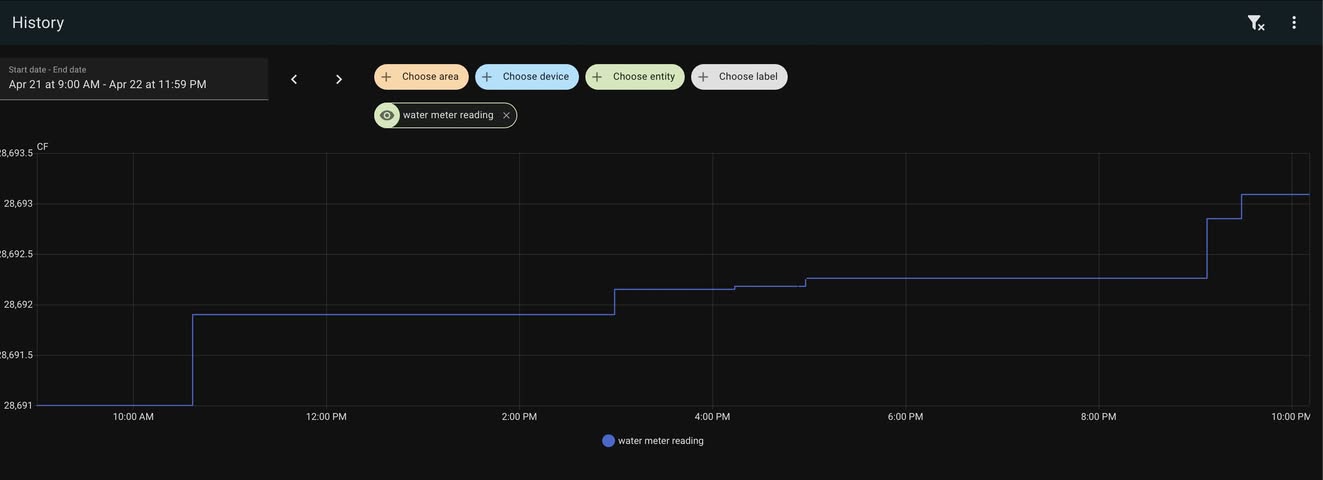
A Neptune R900 meter, an RTL-SDR, a decoder I wrote, and a small tool to send the readings into Home Assistant. Now the graph shows the rhythm of water use around the house.
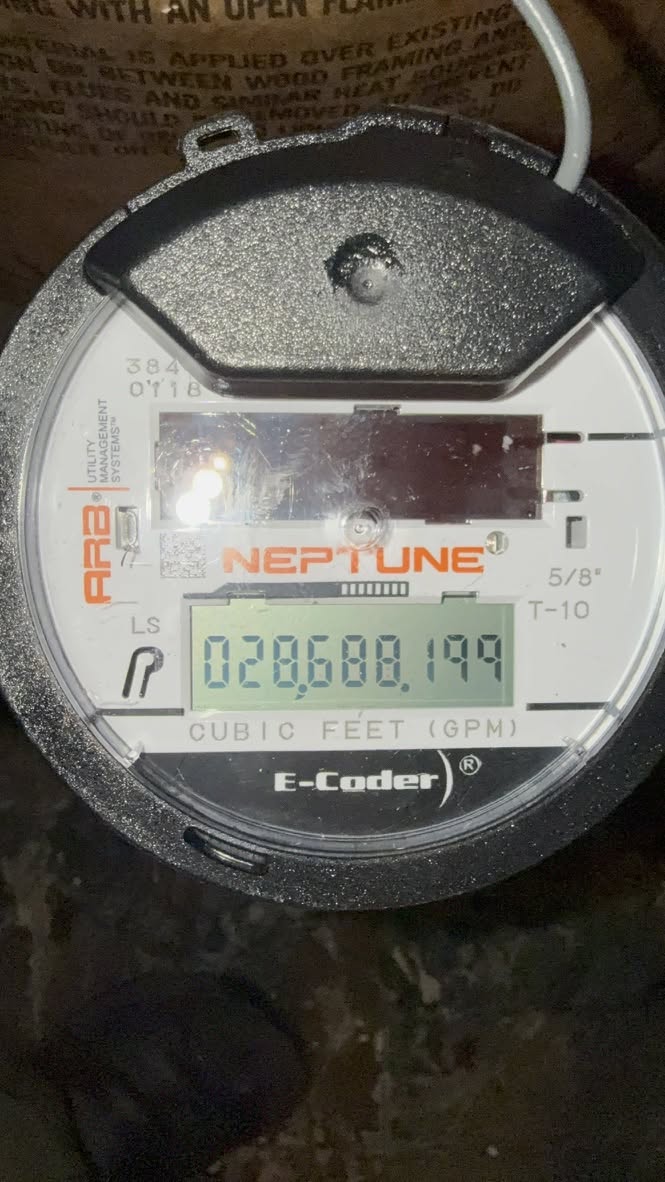
The city upgraded to Neptune R900 water meters, and the meter was sending readings over the air. I found out how to decode the broadcasts with an RTL-SDR, then wrote my own software to capture and decode them.
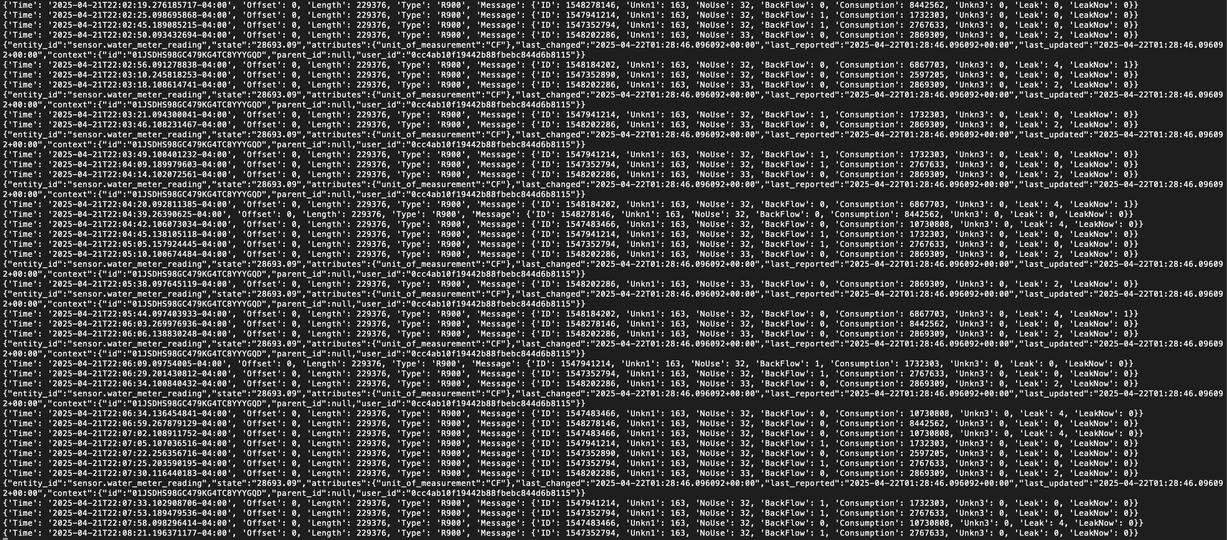
The decoder turns the messages into JSON. I figured out which meter ID was mine, then wrote a separate tool to submit those readings to the Home Assistant API. The end result is a history graph detailed enough to pick out showers, toilet flushes, and the dishwasher.
The fun part is the whole path: radio signal to decoded message, JSON, then a useful sensor in my own home automation setup. A quiet broadcast from a utility meter becomes something I can inspect and understand.
The starting point was this RTL-SDR.com write-up about reading wireless utility meters and bringing the data into Home Assistant. The article covers an electric-meter example; I applied the general idea to the Neptune water meter and built my own decoder and Home Assistant push tool.
Background: RTL-SDR.com: Reading Electric Meters with RTL-SDR and HomeAssistant ↗